Galaxy S25 Ultra Camera Guide (Digital)
Couldn't load pickup availability
Tired of missing out on all the new features on your S25 Ultra? Techisode TV's official camera guide makes it incredibly easy to master the S25 Ultra's camera and gallery features so you can use your phone to its fullest potential and maximize your picture and video quality.
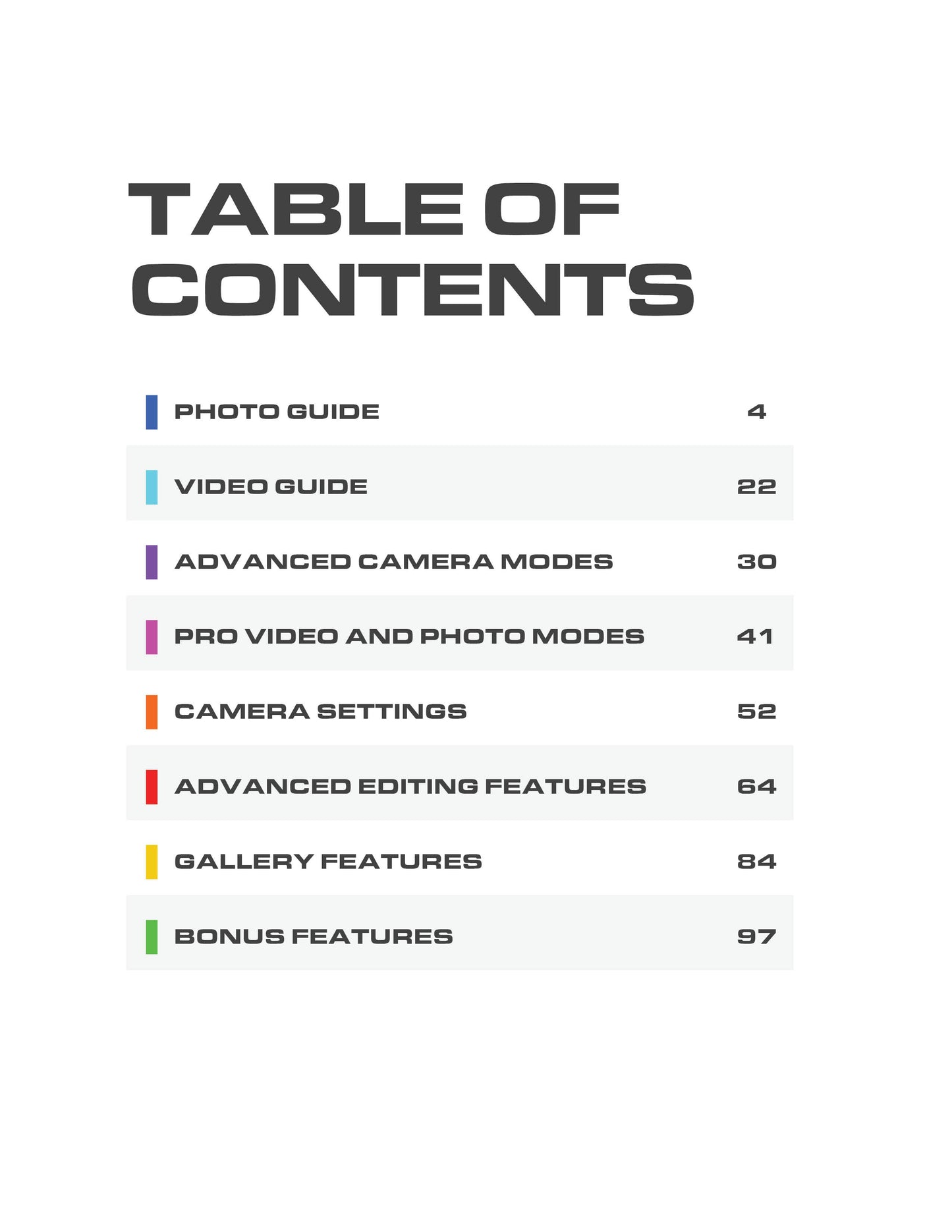
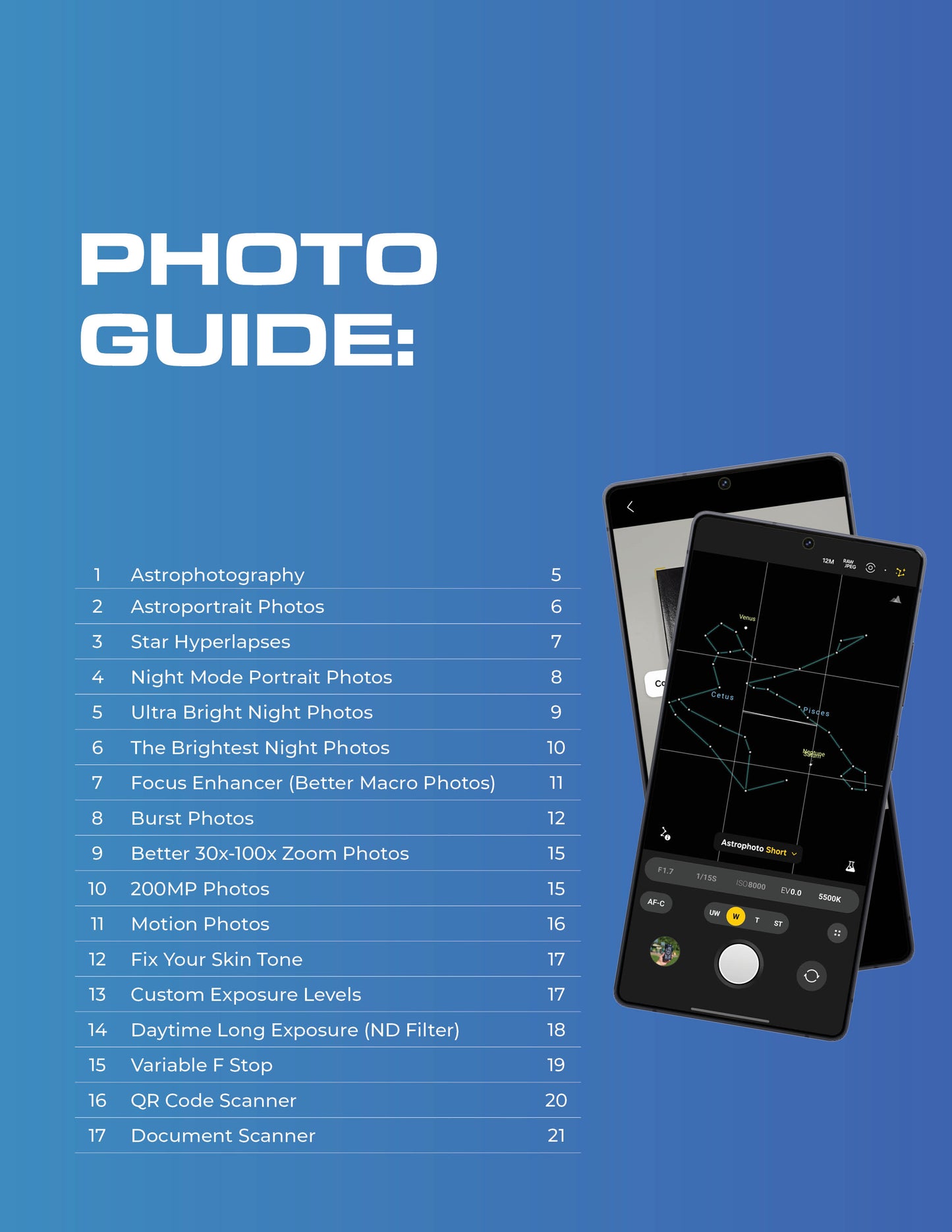
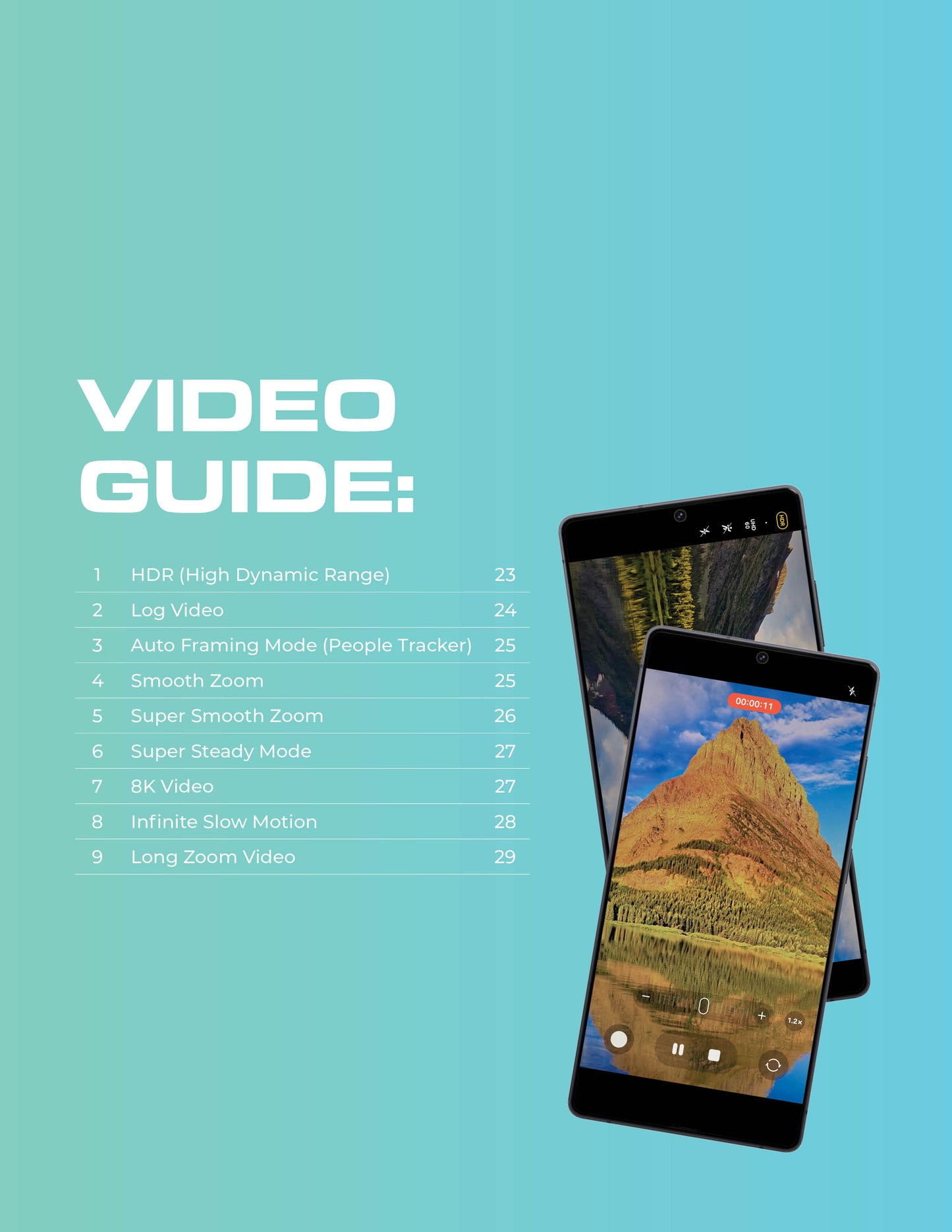
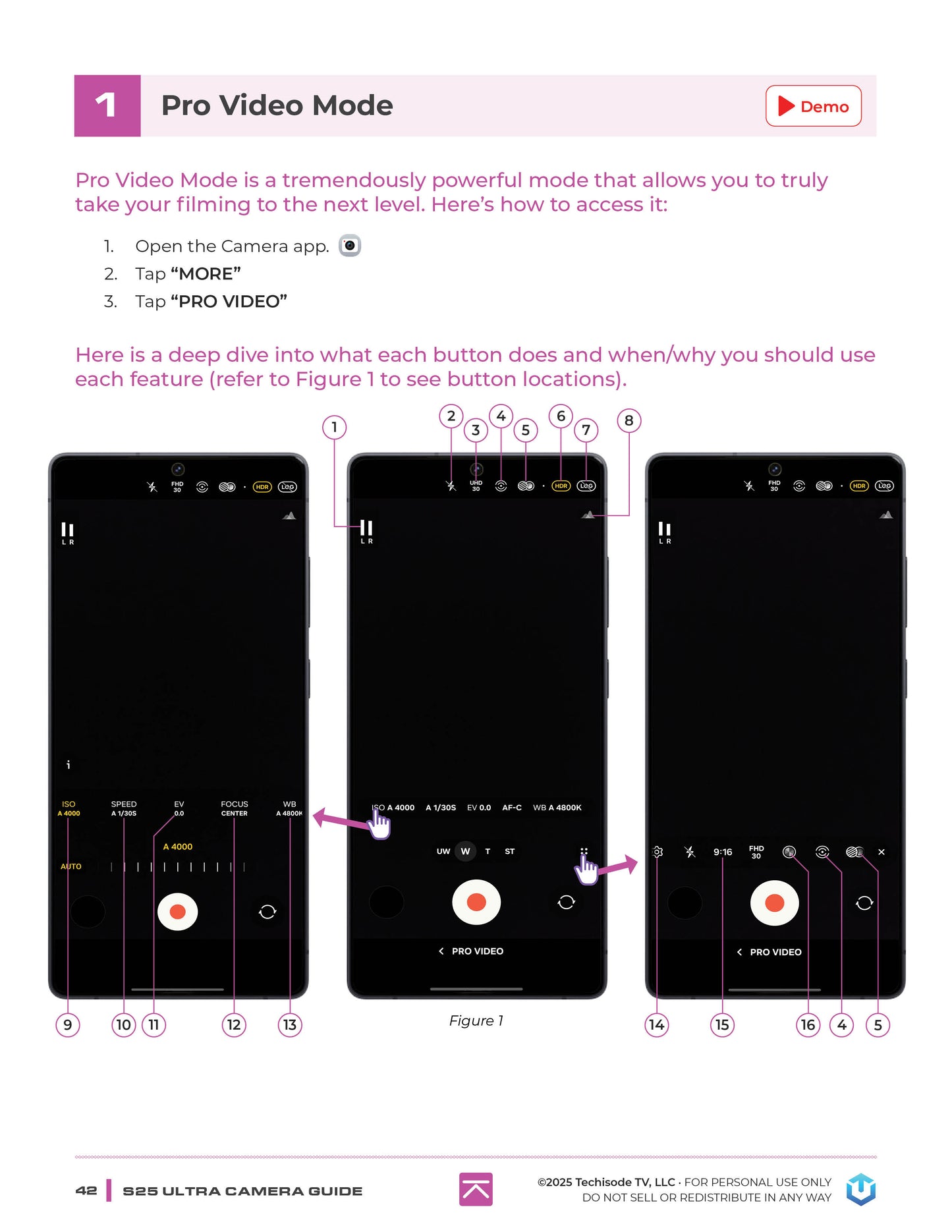
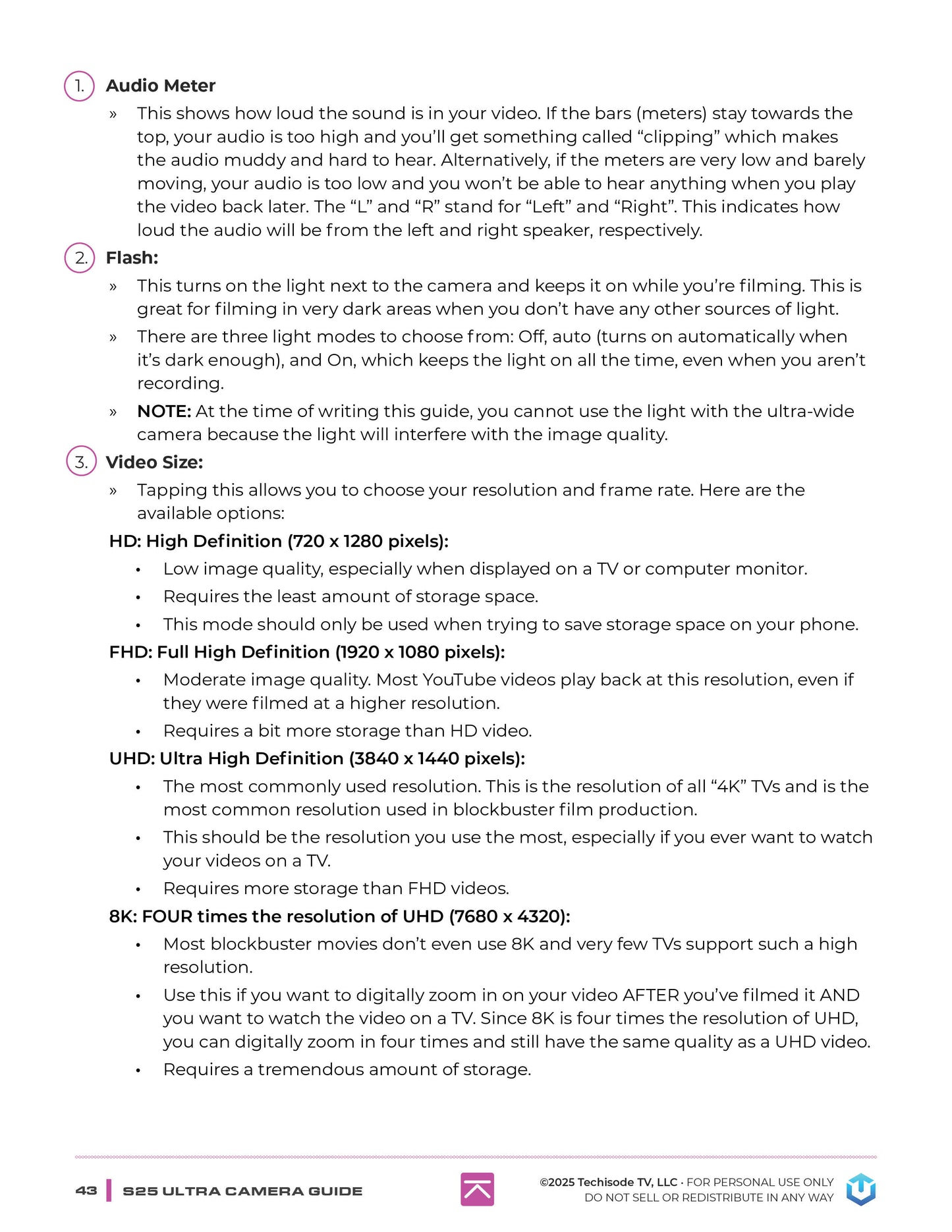
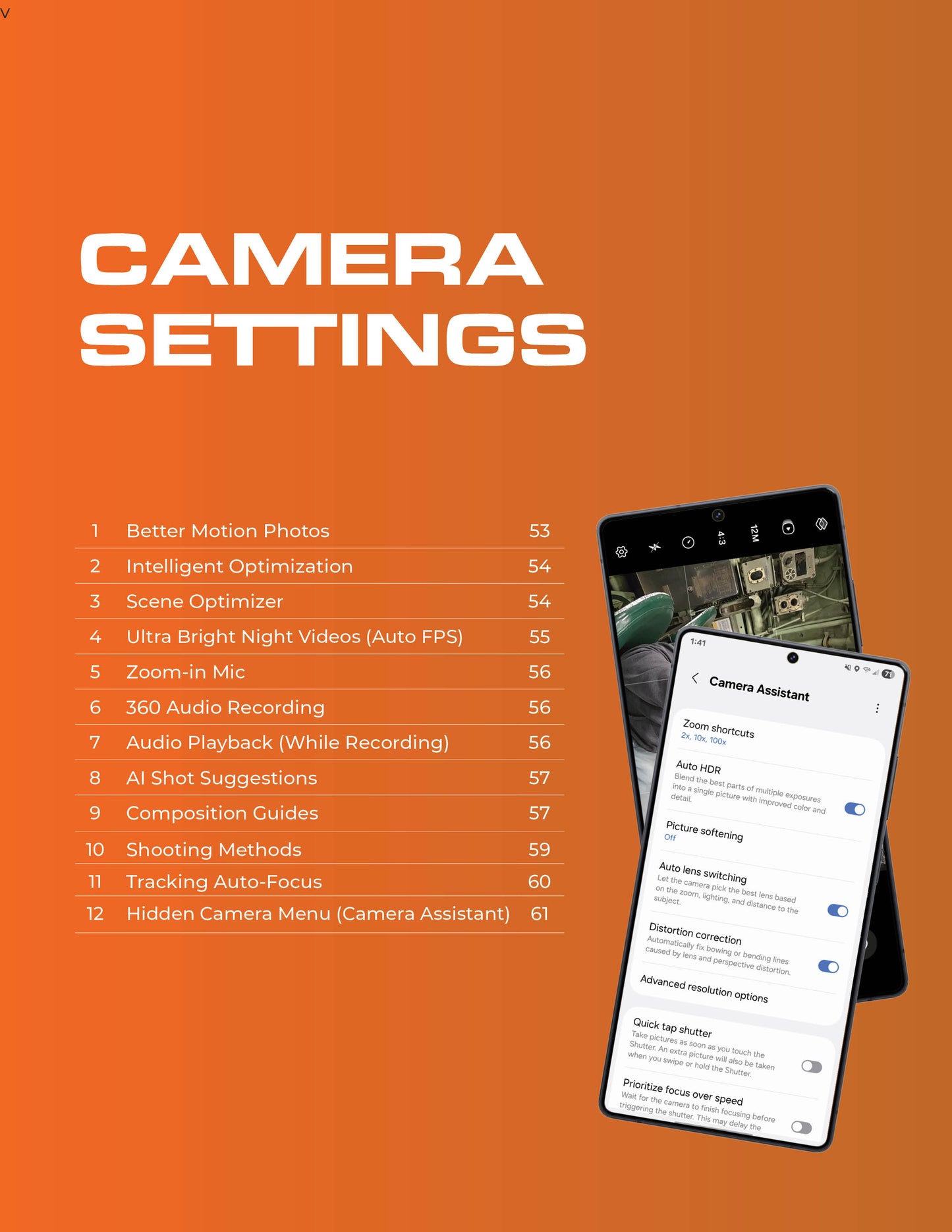
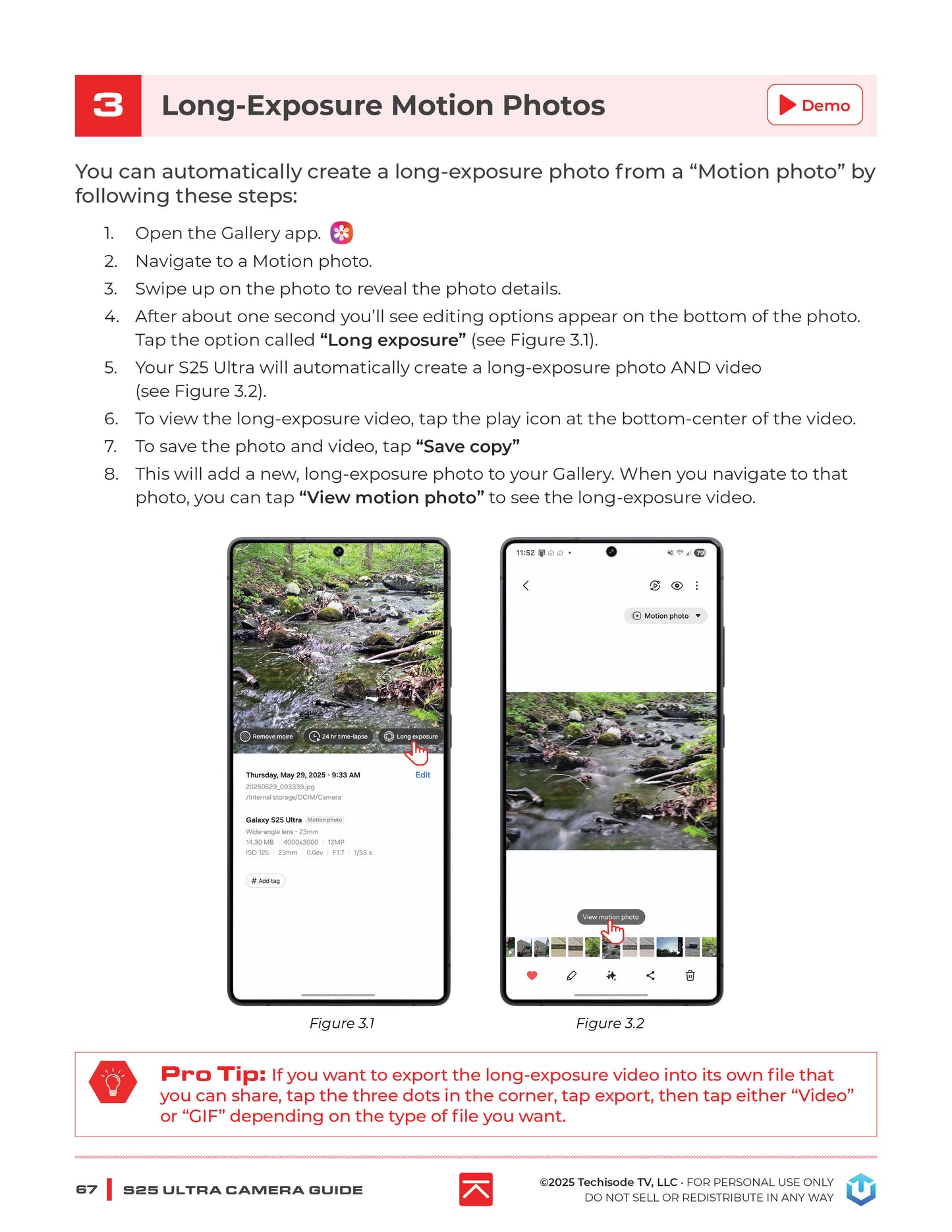
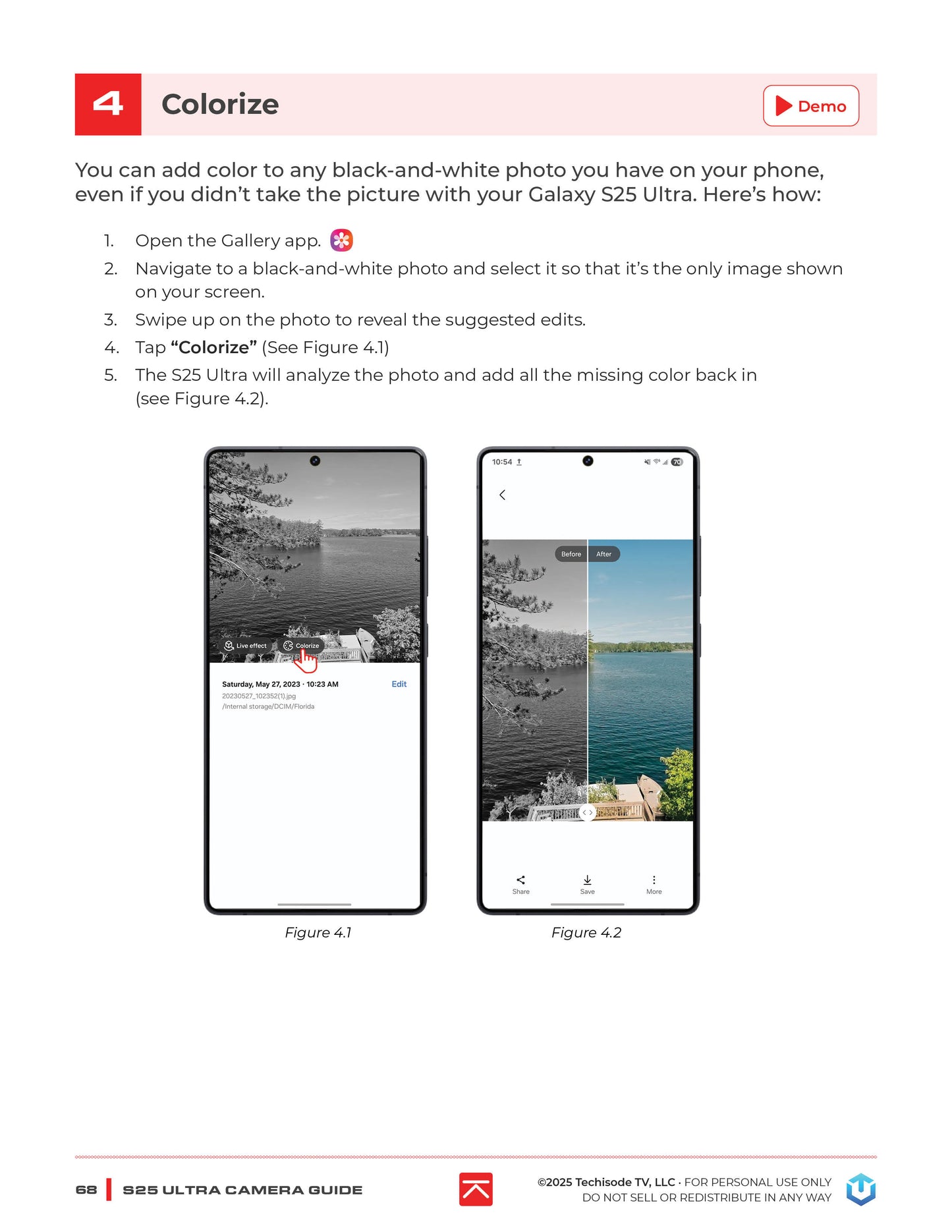
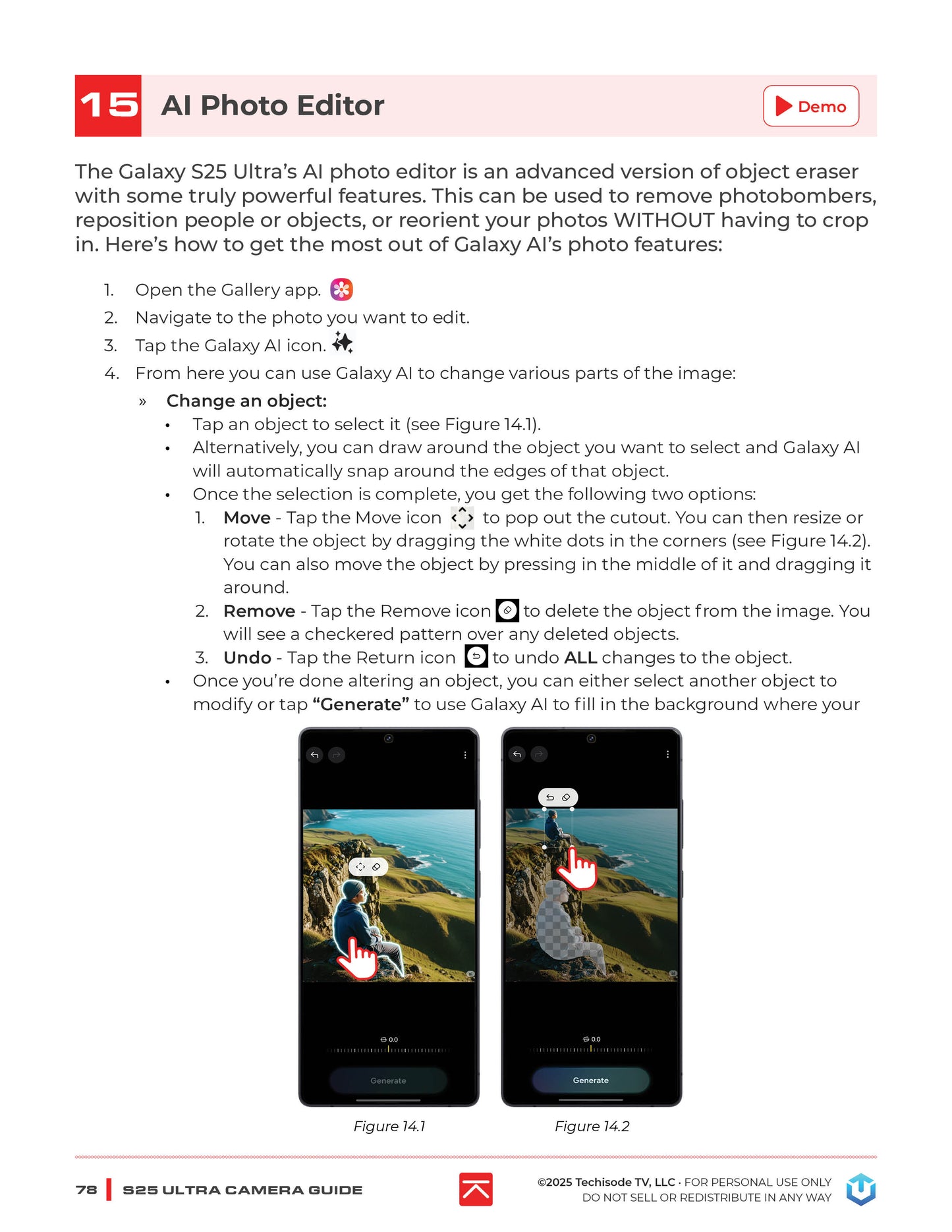
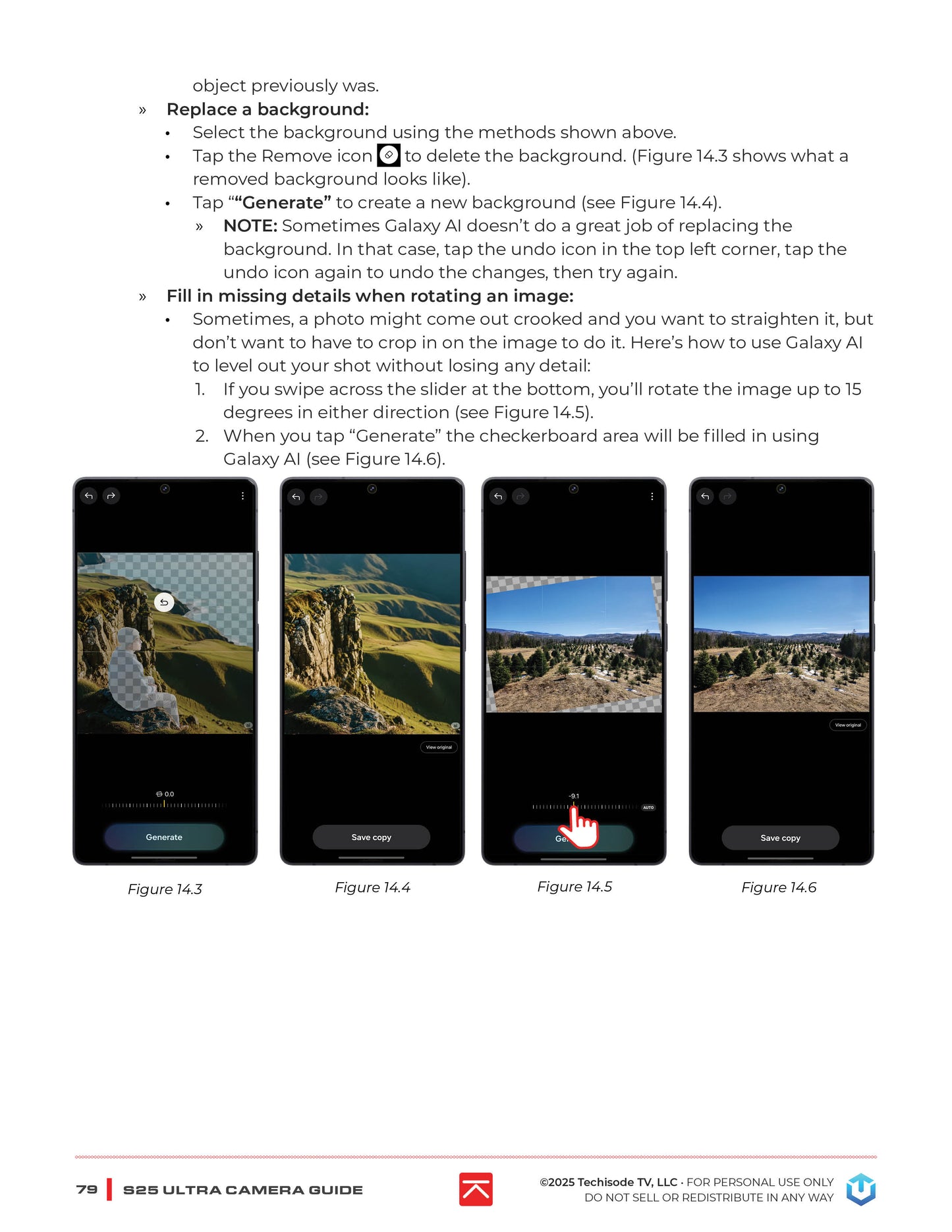
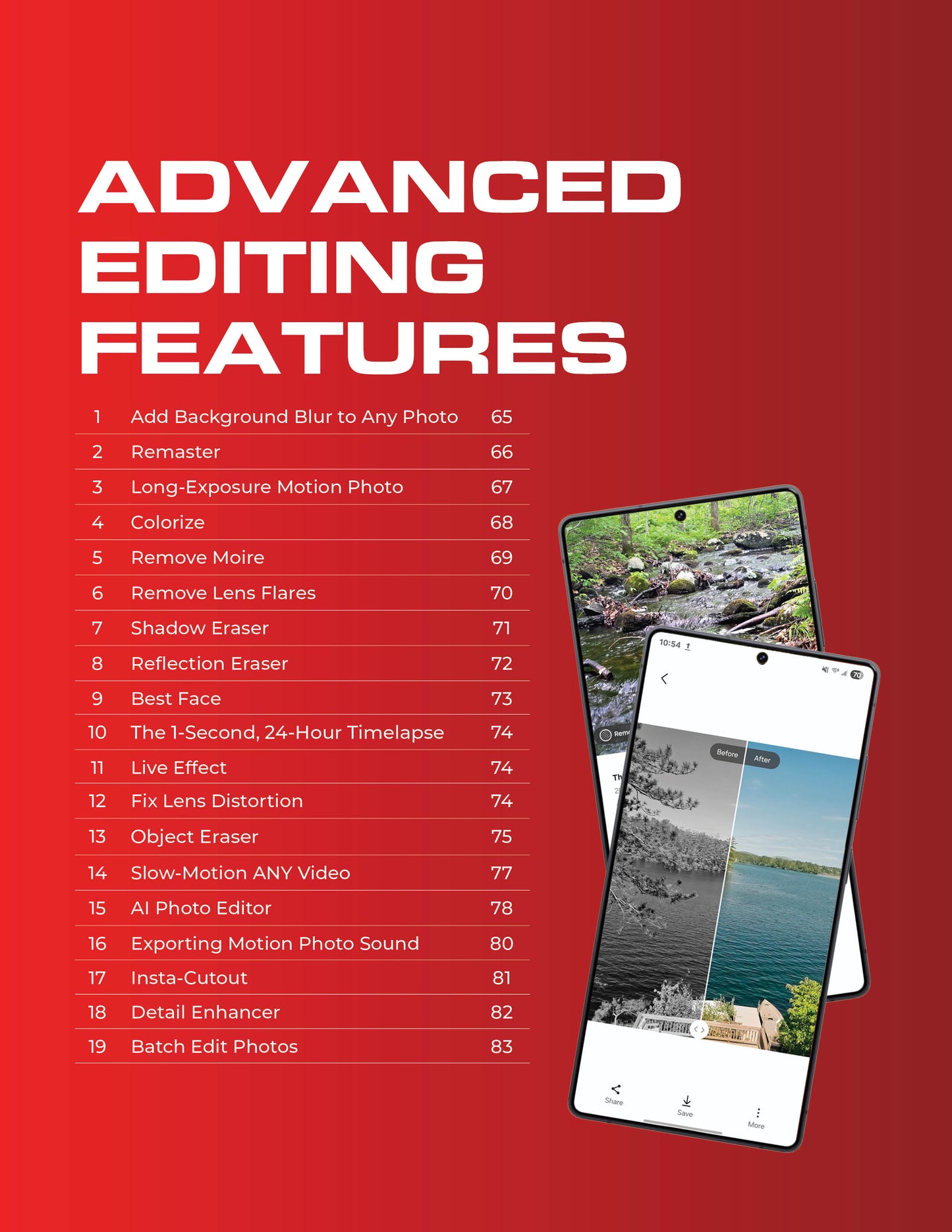
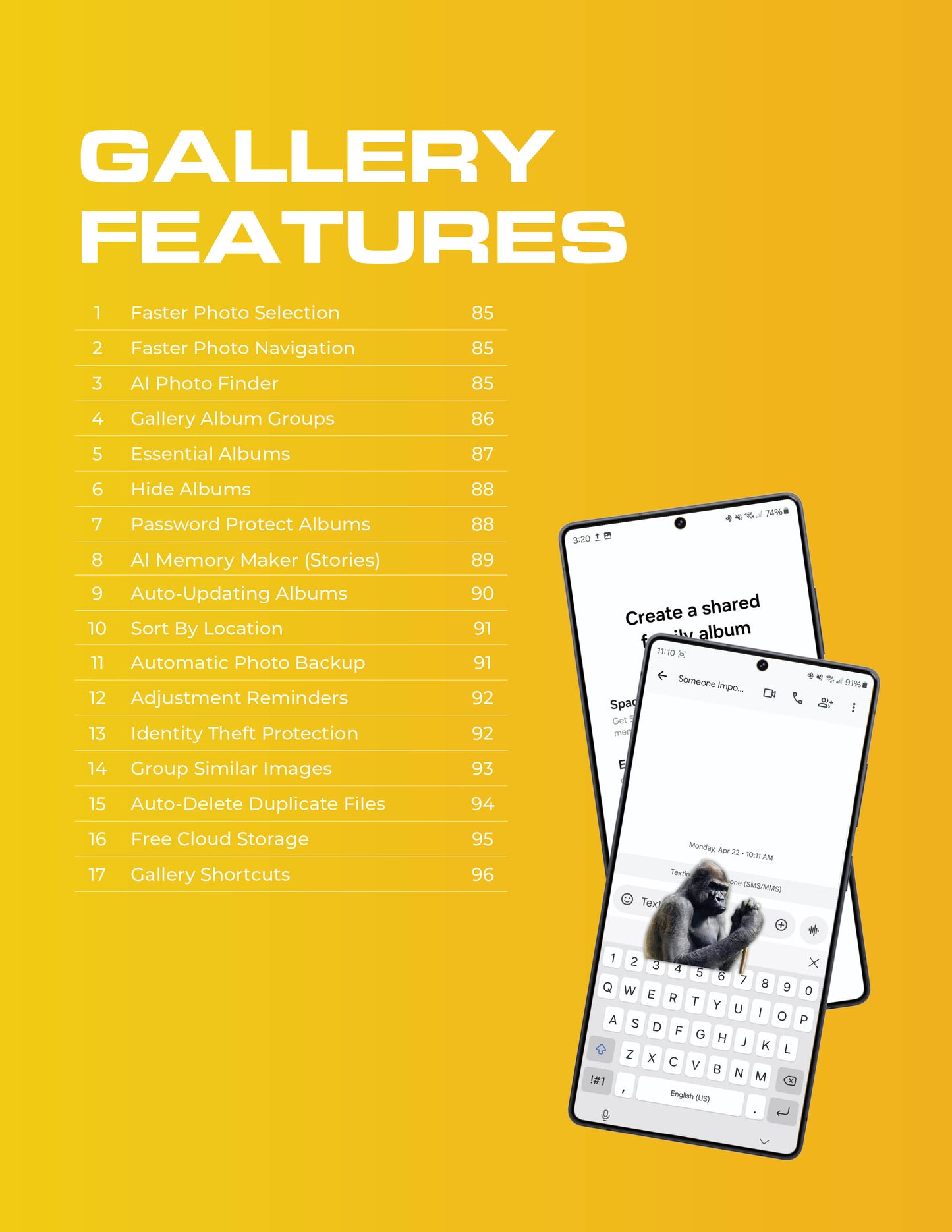
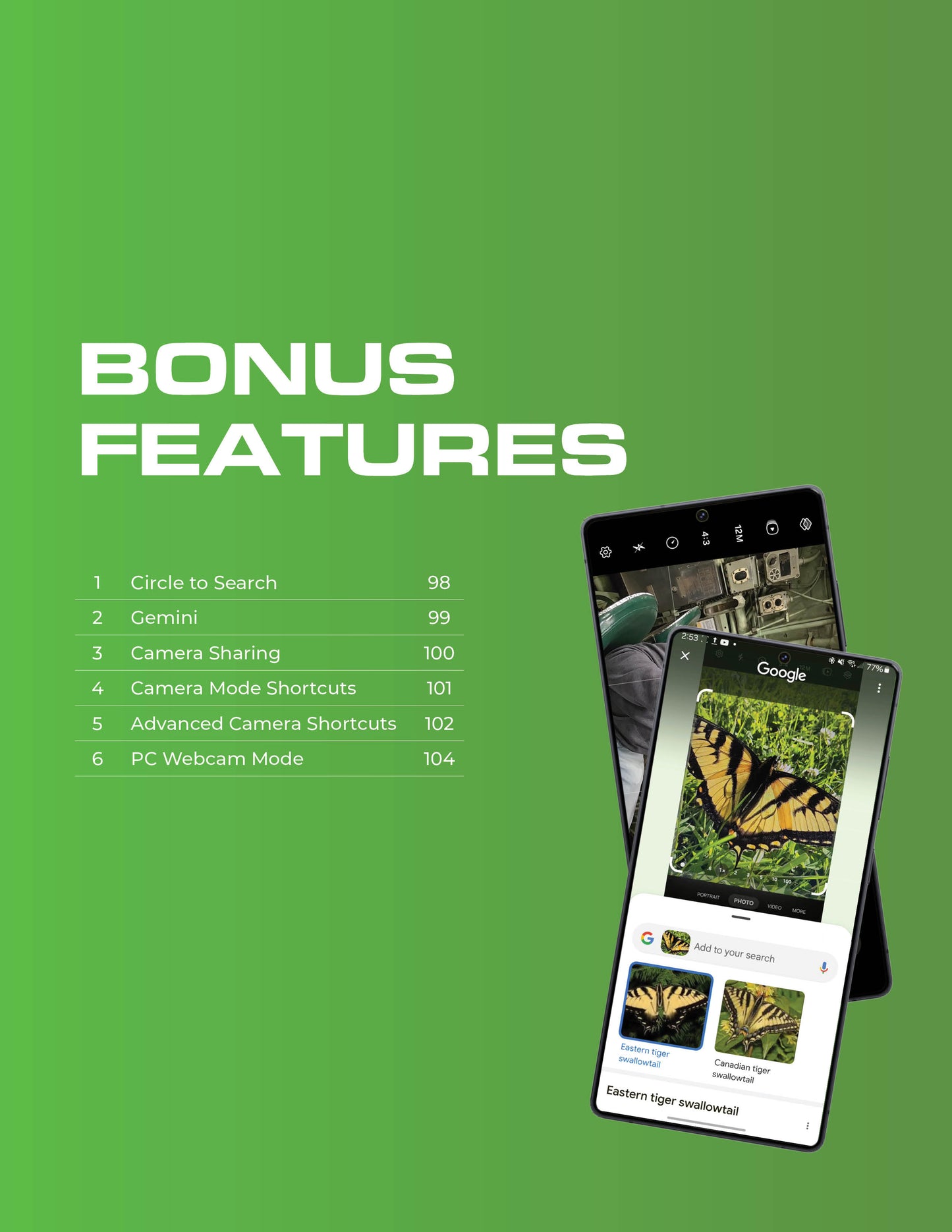
The digital guide covers nearly 100 powerful features in more than 100 info-packed pages, complete with figures, pro tips, and "did you know?" sections that help explain what different features do and when/why to use specific features.
This guide was designed to be accessible by both newcomers to tech, who often feel intimidated by their gadgets, as well as seasoned tech enthusiasts who just want a fast cheat sheet to find their favorite features quickly.

Share

I havent had time ust it all so far really like guide
I bought the guide after watching the YouTube video and realisng, despite considering myself an expert on the S25 Ultra's camera, just how many useful things I didn't actually know. The guide, I felt, was essential to carry on my phone as reference material. The video, which promotes the guide at the end, showed how well indexed the guide was, and how well linked back to the videos from which it was derived, and the price was reasonable.
This guide is well organized and the instructions are clear and easy to follow. It has been invaluable in learning the camera features of my S25 Ultra.
Kann die Datei nicht drucken!
Not to print!
The S25 Ultra is a major upgrade from my A12 phone. Getting to terms with the cameras and video cameras was a huge step. The learning curve was steep.
This guide takes one through everything one needs to know. On each page there is ample opportunity to experiment and learn at one's own pace.
Perhaps the most important takeaway from the whole book is that sometimes an option is not available. An example of this is creating a background blur effect on an existing photograph. If the photograph contains a person or a recognised face (animal or human) then the background blur option is available. It is not available for a flower. This simple feature caused no end of head scratching and frustration until I read this book.
A great guide. Well done.